
- 24-11-2023
- 08:00
- timer 4 minutes
Top 10 features for an accounting package
In the fast-evolving world of financial management, it is essential to have an accounting system that is not only efficient and user-friendly, but also offers a wide range of functionality. A good accounting system can make the difference between streamlined business operations and a mountain of disorganised financial data. In this blog we highlight the top 10 features of a modern accounting system that every business, large or small, should consider. These features can significantly improve your accounting processes, saving you time and resources and giving you clear insight into your financial health.
1. Invoicing
Create and send invoices yourself from the accounting package.
Benefits:
- The software picks up data from an order or project itself and puts it on the invoice. This means less investigation work and a smaller chance of errors.
- Your invoice is ready in a few clicks, without having to enter all the details manually.
2. Time registration
Recording hours worked per project or per employee in the accounting package.
Benefits:
- Know how much time is spent on each project.
Who is it for?
- Teams who want to manage their time efficiently.
- Companies that want to monitor hours and budgets accurately.
3. Scan & recognise
From the accounting program it is possible to recognise invoices and receipts in the software. This is often part of an accounting program, but in practice you also often see that an accounting package can connect with scan and recognise software. This software is often much more extensive in terms of features than a scan and recognise module in the accounting system itself. If your company processes a lot of receipts and invoices, it is advisable to buy a separate scan and recognise system.
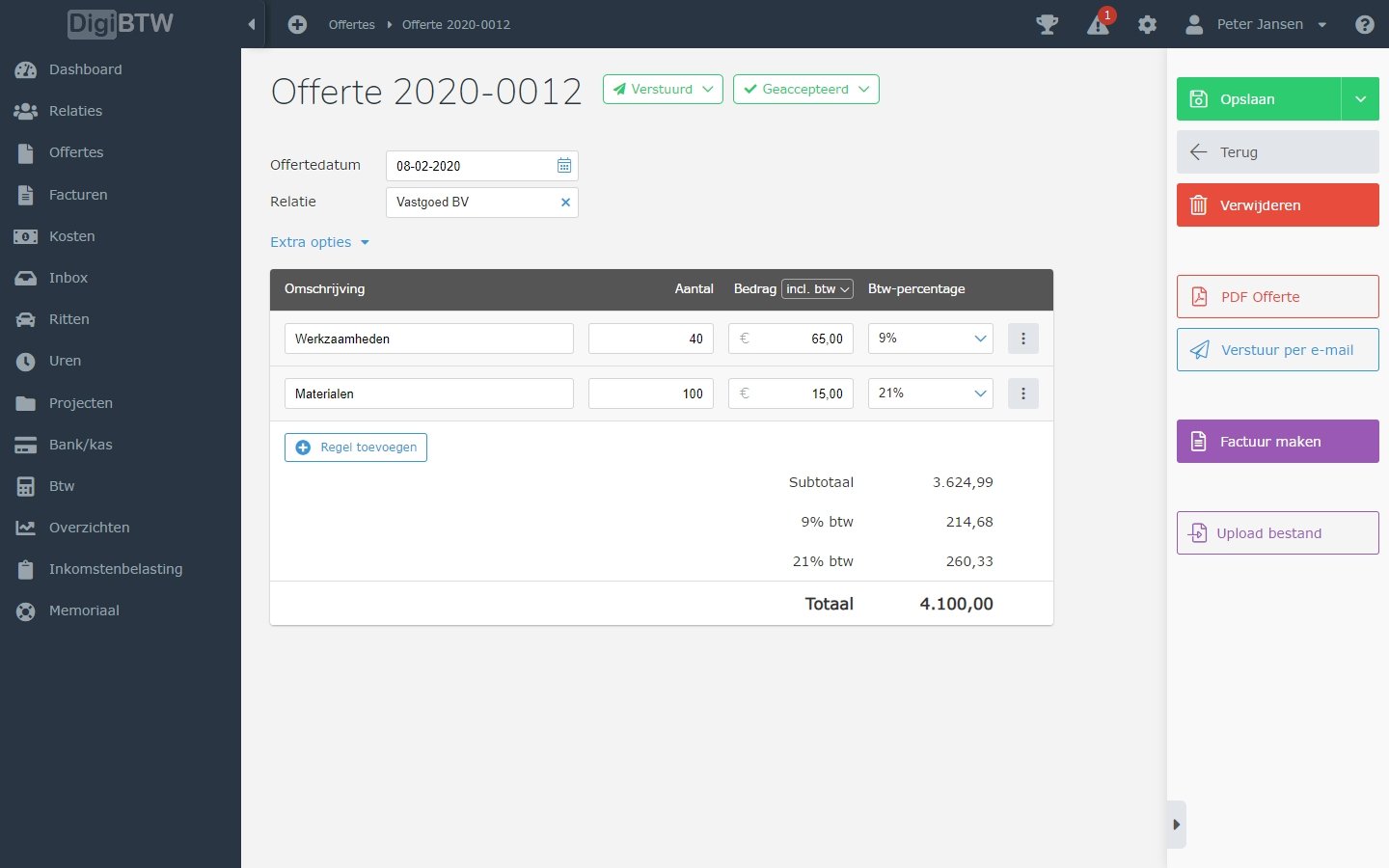
4. Quotations
Use the accounting software to create quotations independently and easily.
5. Assets module
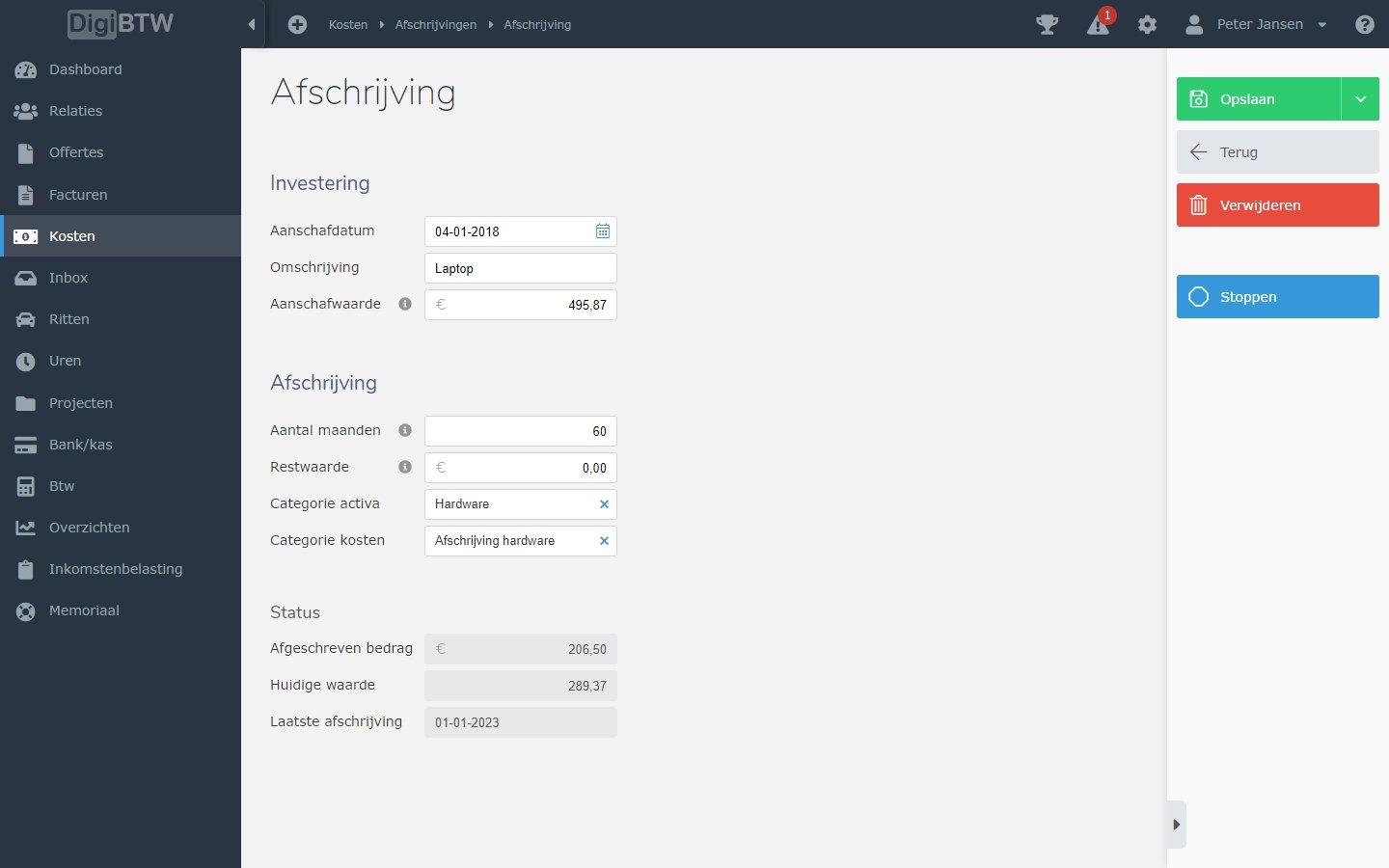
Registering investments in the financial administration and having them depreciated automatically.
These can be physical assets, such as machines and equipment, but also intangible assets, such as intellectual property and licences.
You can specify yourself over how many years an asset must be depreciated (for example 5 years). The accounting software then automatically creates a depreciation schedule and books the depreciation.
This means you no longer have to book your depreciation manually. This saves an enormous amount of time and your figures always include depreciation. This is often forgotten when presenting interim figures.
Some assets modules in accounting software can also record the location of a particular asset or indicate when maintenance is due. In addition, they can often show the value and history of the assets and make a schedule for when they need to be replaced.
Companies therefore often use an assets module to make sure their assets are used efficiently and well maintained.
6. VAT return
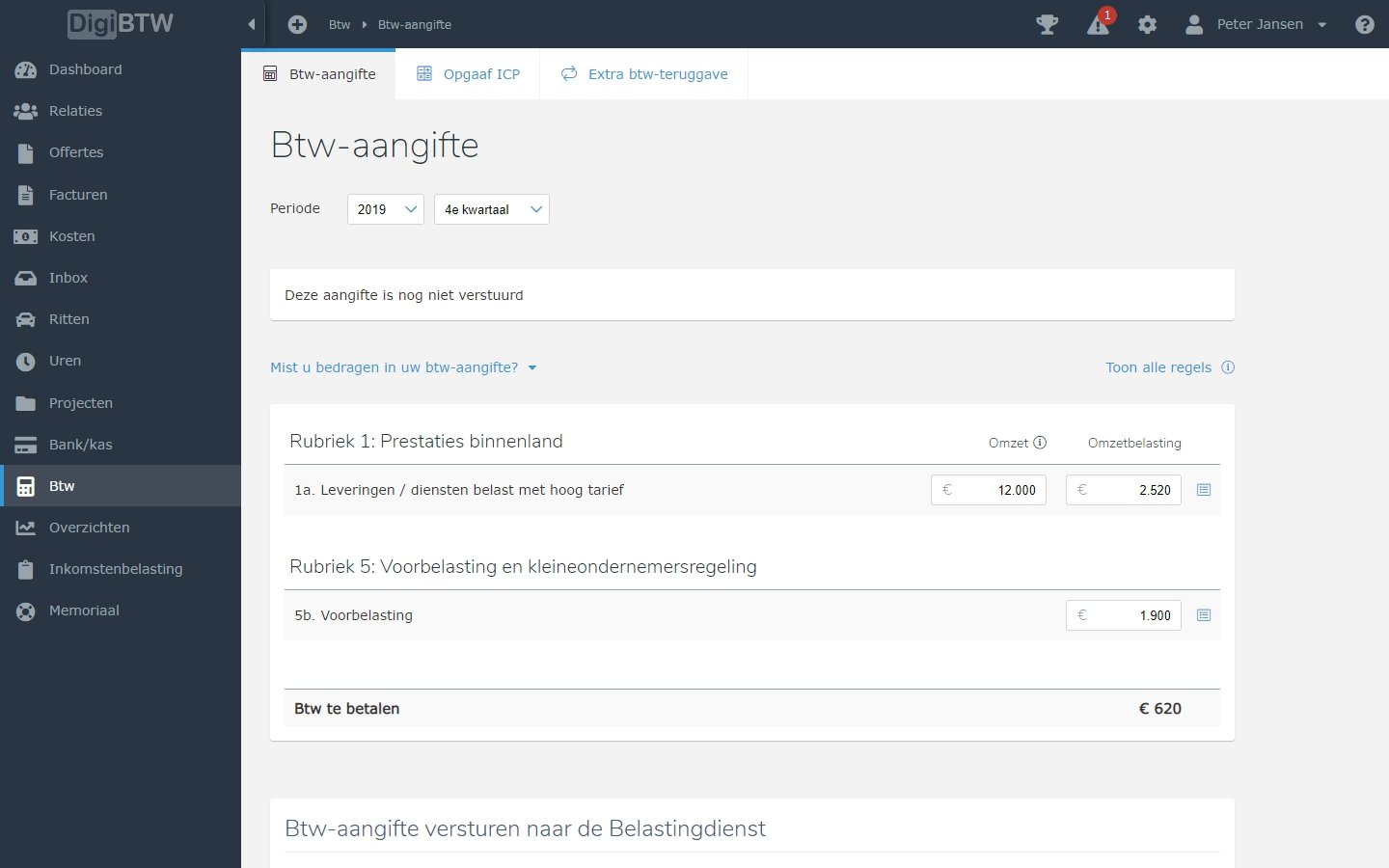
The accounting software has an integration with the Dutch Tax Administration (Belastingdienst) for the VAT return. This lets you submit the VAT return directly to the Tax Administration. You no longer have to log in to the Tax Administration and fill in the VAT return manually. This saves many manual actions and you no longer make mistakes in the VAT return when retyping.
When do you need the VAT return functionality:
Every business has to file a VAT return.
Below is an example of a VAT return:
7. Importing bank statements
The accounting software can import bank statements automatically.
8. Payment service module
Generating a payment file that can be read into the bank. This makes it possible to pay several invoices at once.
9. Clicking through to the invoice
Click through from items and bookings to the underlying invoice. The accounting software makes it possible to click straight from a booking through to an invoice.
Please note!
If you use a scan and recognise system (for example Zenvoices or Basecone), it is wise to check whether the accounting program has an integration with this system. And that it is possible to view the booked invoices via the accounting program.
10. Accountancy portal
An accountant, bookkeeping firm or adviser can be given access to your financial administration. This makes it possible to collaborate optimally in the accounting software. The accountant, administrator or adviser gets access to the administration through their own account. They can then help with keeping the financial administration or give advice.
Conclusion
Choosing the right accounting program is crucial for the success and growth of your business. With the features mentioned, such as time tracking, advanced invoicing options, mobile accessibility and integrated VAT returns, managing your financial affairs becomes a lot simpler and more efficient. The right system allows you to concentrate on what is really important: growing your business.
Software advice from SoftwareWatcher
Do you need advice on the best software? Get in touch now and we will draw up a list of the best software for your organisation.
Non-binding and without obligation